
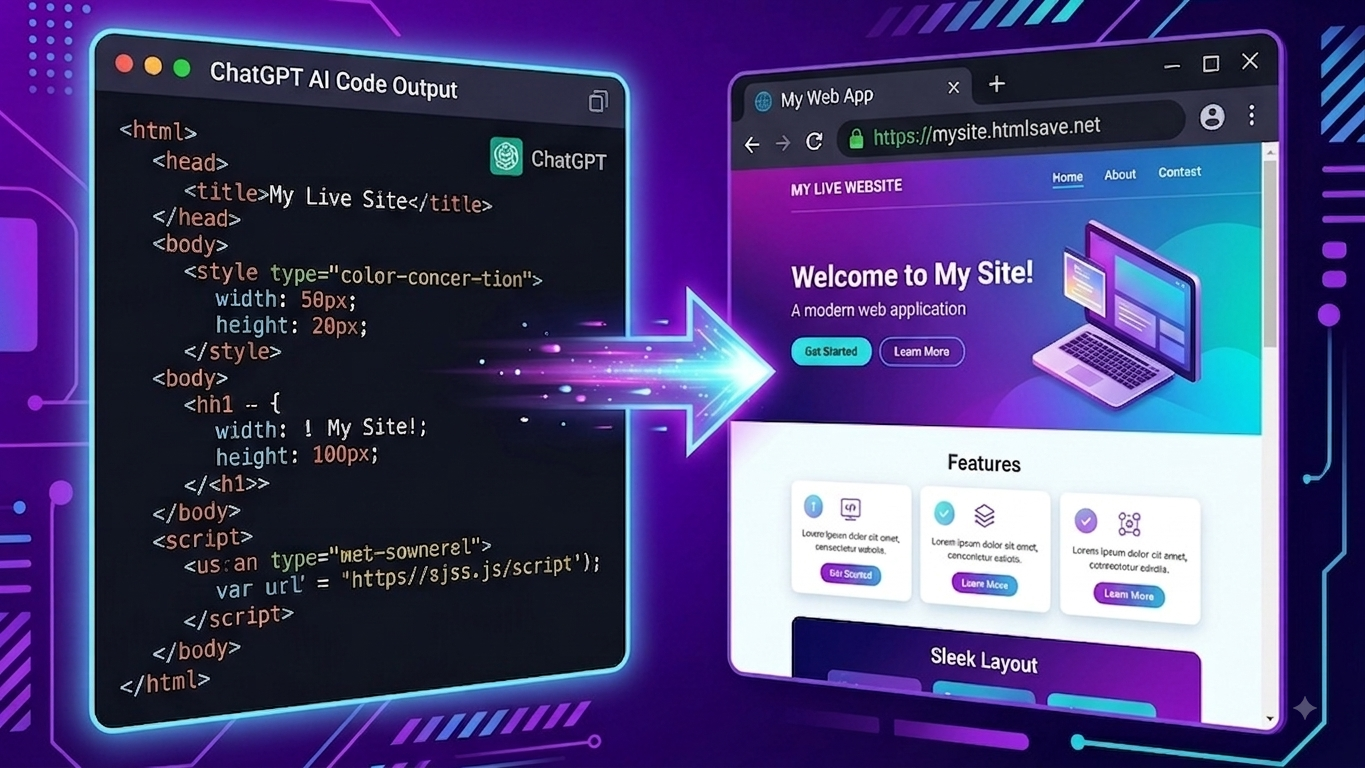
Have you ever asked ChatGPT, Claude, or Gemini to build a custom landing page, a calculator, or a portfolio, only to be handed a block of raw HTML code?
AI chatbots have made web design accessible to everyone. In just a few prompts, you can generate fully styled web components, interactive dashboards, or sleek personal homepages. But as soon as you copy that code, you hit a common frustration: How do you actually turn that ChatGPT HTML code into a live, shareable URL?
If you don’t want to wrestle with Git repositories, terminal commands, SSH keys, or expensive hosting servers just to share a 1-page site, you are not alone.
In this guide, we’ll walk you through the fastest way to take raw HTML code from ChatGPT and deploy it to a live, ad-free HTTPS website link in under 30 seconds using HTMLSave.
Founded in 2019: Proven Web Hosting Built Before the AI Boom
Before diving into the steps, there is an important trust factor every builder should know: HTMLSave is not a overnight AI wrapper.
HTMLSave was founded in 2019—years before ChatGPT, Claude, or generative AI tools ever existed. For over half a decade, developers, students, and creators have relied on HTMLSave as a stable, browser-based static web host.
When AI tools revolutionized how code is written, HTMLSave naturally became the ultimate 30-second destination to bring AI-generated code to life on the web.
The Problem with Traditional Web Hosting for AI Code
If you ask developer forums how to host your AI-generated HTML, they will usually point you toward traditional tools like GitHub Pages, Vercel, or Netlify.
While these tools are essential for complex engineering teams, they present massive roadblocks for quick AI projects:
- Git & Terminal Friction: GitHub Pages requires creating a repository, initializing Git, setting up SSH keys, committing code, and pushing branches. Overkill when all you want is to test a prompt or send a quick preview to a client.
- The 7-Day Expiration Trap: Pastebin hosts like Tiiny Host delete free websites strictly after 7 days unless you pay $6–$10/month. If a client or evaluator opens your link next week, they get a 404 error.
- Editor Frame Clutter: Tools like CodePen wrap your webpage inside heavy editor iframes and platform sidebars. It is not a clean, standalone website link you can include in a resume or Notion doc.
What you need is a 30-second shortcut from prompt to live URL.
Step-by-Step Guide: How to Turn ChatGPT HTML Into a Live URL
Follow these three simple steps to publish your AI code online:
Step 1: Copy Your Code from ChatGPT
When prompting ChatGPT (or Claude/Gemini), ask it to provide clean, complete web code.
Pro-Tip for Better Results:
Ask ChatGPT to separate your project into structured modular files:
index.html(for structure)style.css(for design)app.js(for interactive features)
Click the “Copy code” button at the top right of the ChatGPT code block.
Step 2: Paste Your Code Into HTMLSave
Head over to HTMLSave to host HTML from ChatGPT.
If ChatGPT gave you separate CSS or JavaScript files, save those files separately to attach your style.css and app.js under the exact same project subdomain.
Paste your index.html code directly into the browser editor.
Step 3: Click Publish & Get Your Live HTTPS Link
Choose a custom subdomain name (e.g., yourproject.htmlsave.net
In under 1 second, HTMLSave deploys your code to a global Edge CDN and gives you a live, ad-free HTTPS website URL!
Why AI Builders Choose HTMLSave
- 🏆 Hosting Since 2019: Battle-tested infrastructure established long before ChatGPT.
- 🚀 30-Second Publishing: Zero setup, zero terminal commands, and zero Git configuration.
- 🔗 Clean Subdomains: Your site gets its own clean URL (
yourproject.htmlsave.net) without intrusive watermarks or platform ads. - ⚡ Multi-File Support: Cleanly separate HTML, CSS, JavaScript, and JSON endpoints with CORS-free local fetching.
- 🛡️ Active Account Sites Remain Live: Unlike paste sites that auto-delete your links after 7 days, active accounts’ sites stay live.
- 🧩 Chrome Extension Side Panel: Host code directly from your browser side panel while chatting with ChatGPT without ever switching tabs!
Ready to Publish Your First AI Webpage?
Don’t let your AI-generated code sit forgotten in your chat history. Turn your ChatGPT prompts into live web applications, portfolios, and prototypes today with a platform proven since 2019.