
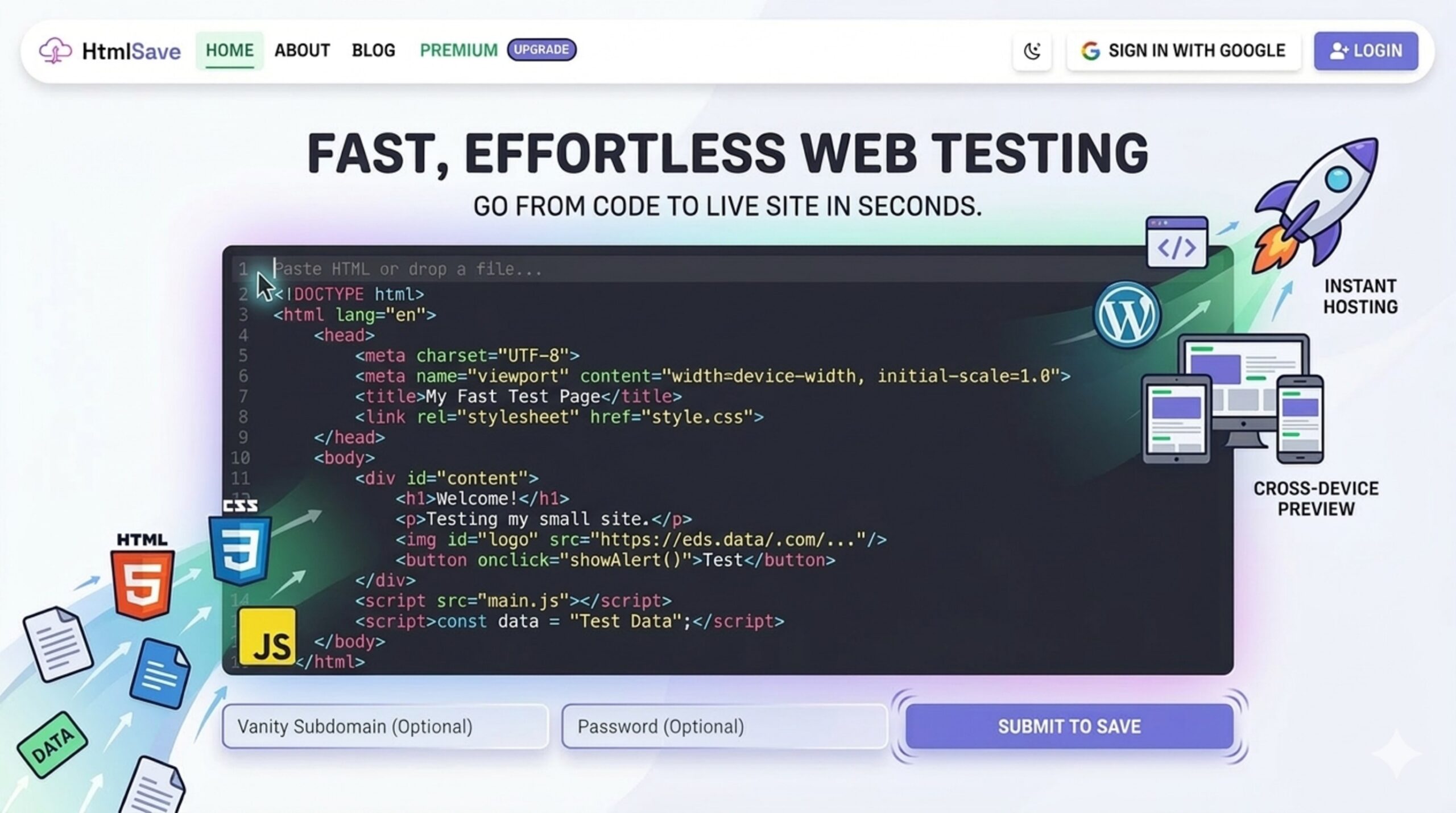
Sometimes, you just need to test a simple piece of web code. Whether you are building a quick landing page mockup, experimenting with a new CSS grid layout, or debugging a JavaScript interaction, getting that code live in a browser shouldn’t feel like a chore.
But in modern web development, it often is.
Once you write your HTML, CSS, and JavaScript, testing it in a live environment usually requires a tedious routine: setting up a local development folder, configuring a localhost server, or pushing commits to a Git repository just to trigger a build on platforms like Vercel or GitHub Pages.
When you only need to test a 50-line code snippet or share a quick prototype with a colleague, this workflow is massive overkill. This is exactly where HTMLSave comes in. It provides absolute simplicity for testing, hosting, and sharing small websites without the overhead of traditional deployment.
The Friction of Testing Small Web Snippets
Every front-end developer knows the frustration of over-engineering a simple task. When you just want to test a quick component or show a client a design concept, the traditional deployment pipeline slows down your momentum.
Even simple platforms often require you to create an account, link a repository, and wait for a build process. For rapid prototyping, QA testing, and sharing code, developers need a frictionless scratchpad. They need a tool that is as fast as copy-and-paste.
Enter HTMLSave: Simplicity by Design
HTMLSave strips away the complicated layers of web hosting. It is built on a very straightforward premise: Paste your code, and get a live website instantly.
Here is how HTMLSave’s simple approach makes it an incredibly effective tool for developers, designers, and students:
1. Zero-Setup Deployment
There are no build steps, no FTP clients, and no command lines. You simply open HTMLSave in your browser, drop your raw HTML into the editor, choose a custom vanity subdomain (like mysubdomain), and click Submit. Within seconds, your code is live on the public web.
2. Multi-File Support for Complete Mini-Sites
A common limitation of quick HTML pastebins is that they only support a single, inline file. HTMLSave, however, lets you build out complete mini-environments. From your site dashboard, you can add new pages and define their content types, such as:
- .css for your stylesheets
- .js for your scripts
- .json for storing mock data
This allows you to link external CSS and JavaScript files to your main index.html file just like a traditional project, keeping your code clean, modular, and organized.
3. Instant Sharing and Mobile Testing
Testing code locally on your laptop is fine, but checking it on different devices requires a live link. Because HTMLSave generates a secure, live URL the moment you hit save, you can immediately grab your smartphone to test how your responsive CSS actually behaves on mobile.
It’s also perfect for collaboration. If you need a QA tester to look at a bug, or a client to approve a button animation, you can send them a direct link without walking them through how to open a local file.
4. In-Browser Editing
If you spot a typo or need to adjust a padding value, you don’t need to re-upload files or push a new commit. HTMLSave features a built-in code editor. You can jump into your dashboard, tweak your style.css or script.js directly in the browser, hit save, and instantly see the live preview update.
5. Straightforward Site Management
Despite its simplicity, HTMLSave provides a clean dashboard to manage your hosted projects. You can update your code, manage multiple pages, track basic view counts (total and monthly), and even lock your site with a password if you are working on something private that isn’t ready for the public internet.
Perfect Use Cases for HTMLSave
Because of its speed, HTMLSave is ideal for a variety of everyday developer tasks:
- Rapid Prototyping: Instantly turn an idea into a working webpage.
- Bug Reproduction: Isolate a piece of buggy HTML/JS and share the live link with other developers to help troubleshoot.
- Client Mockups: Send a clean, branded link to a client to show off a single-page design.
- Education: Coding students can quickly host their homework assignments or first mini-games without learning Git or command-line tools.
Conclusion
As web development pipelines grow increasingly complex, our testing environments don’t always need to follow suit. We don’t always need CI/CD pipelines and formal repositories. Sometimes, we just need a blank canvas that instantly turns into a working webpage.
HTMLSave provides exactly that. Its frictionless, copy-paste-publish workflow makes it a highly practical tool in any modern developer’s toolkit—helping you spend less time configuring servers and more time actually building.